

Why It’s Time to Test in Production: Best Practices


For the longest time, testing in production has been considered an absolute no-go. Developers would rather test in development and staging environments and deploy only when they know everything works perfectly.
But this approach is also holding your team back. Today’s software landscape is dramatically different:
- You’re deploying code multiple times a day—not once a quarter
- You’re using a microservices architecture, which means hundreds of dependencies
- Your users expect continuous improvement BUT without service interruption
- You’re piecing together third-party integrations/APIs that aren’t easy to replicate in a staging environment
Case in point: In 2021, we had our first API outage, which lasted 44 minutes. We did everything right. Tested the code in a staging environment. Used an identical tech stack. Got green checks all the way. It came down to a data discrepancy between the staging and live environment, and things broke down.
We learned our lesson back then, but this is still a problem for many engineering teams. That’s why you need to test in production with the proper guardrails in place.
In this article, we’ll explore how you can test in production and do it safely with feature flags.
Skip ahead to how to test in production with feature flags.

What is testing in production?
Testing in production refers to the practice of validating software behaviour, performance, and functionality in the live environment—the same production environment where users interact with your application every day.
Many teams use three environments: development, staging, and production. In this case, you’ll deploy the code without staging it.
Honestly, this is a scary thing to do. Many developers have concerns, such as:
- Risk of disruption: The fear that production testing could cause downtime, data corruption, or degraded service for real users is entirely valid. No one wants to be responsible for breaking the customer experience.
- Data integrity concerns: Testing activities could potentially pollute production data—especially if it’s not isolated well.
- Increased pressure and accountability: When testing happens in production, the stakes are higher. Mistakes are visible to everyone—customers, management, and teammates.
- Replication challenges: Paradoxically, while teams fear testing code in production, many developers struggle with issues that only manifest in production environments and cannot be replicated elsewhere.
- Regulatory and compliance risks: In regulated industries, production testing could violate compliance requirements if you don’t manage them carefully. Exposing sensitive data during tests is a real security concern.
Despite these risks, the reality is that testing in a pre-production environment is not necessarily the safer option anymore.
“Traditional testing is becoming harder. You used to have one server, one database, one web service/application, and possibly an API connection to a payment gateway,” explains Ben Rometsch, Flagsmith’s Co-Founder. “Applications now have a bunch of APIs they’re connected to, maybe 2-3 data stores they’re working on, 3-4 runtime services they’re running. This is great. They’re more capable, flexible, easy to develop, and powerful. But it means that the difficulty of getting a replica of that environment as closely as possible is increasing every day.”
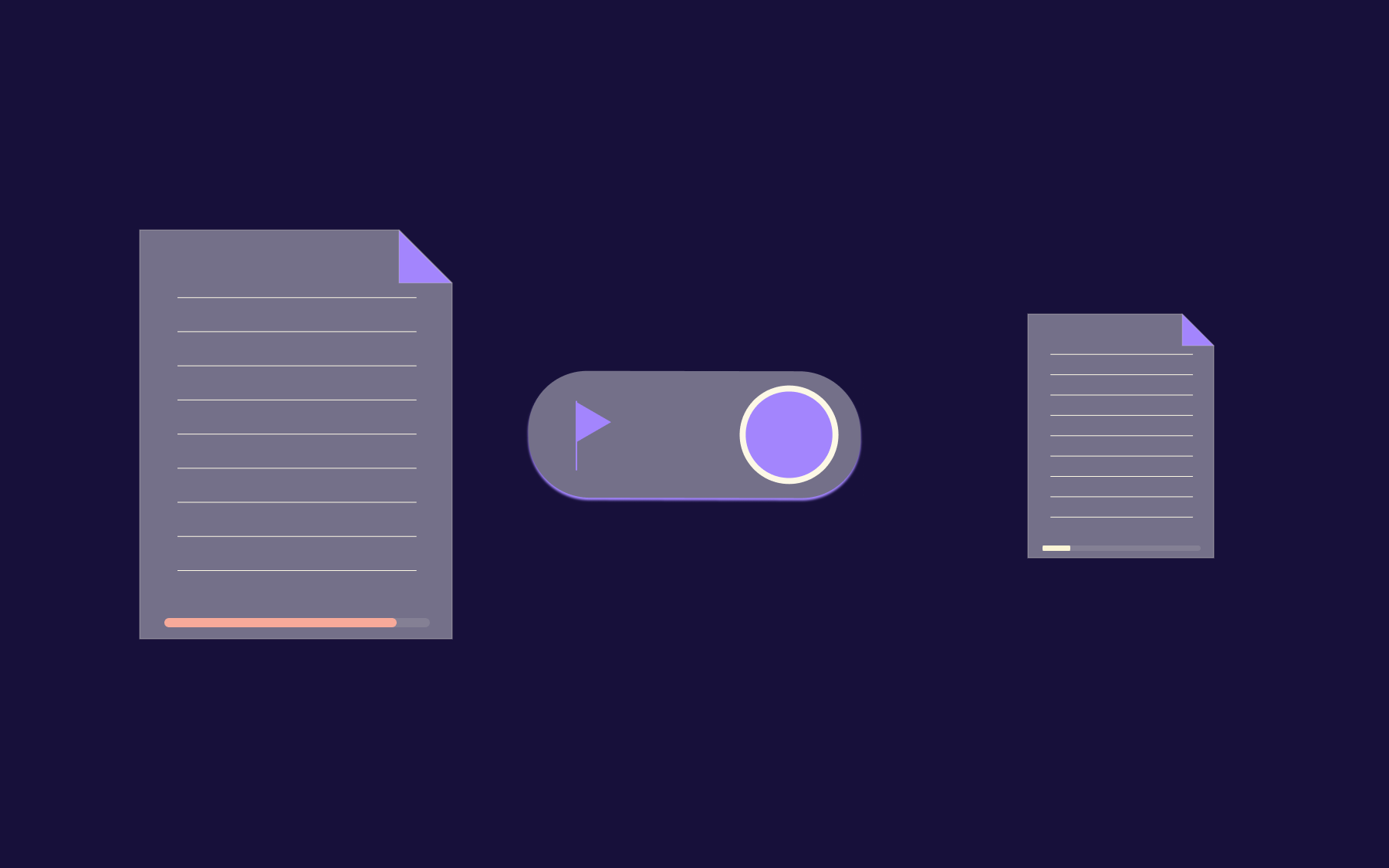
Feature flags let you test in production safely, giving you the ability to control the visibility of features at runtime and make changes without redeploying code. You can:
- Deploy code without immediately exposing it to users
- Test features in production with only internal teams
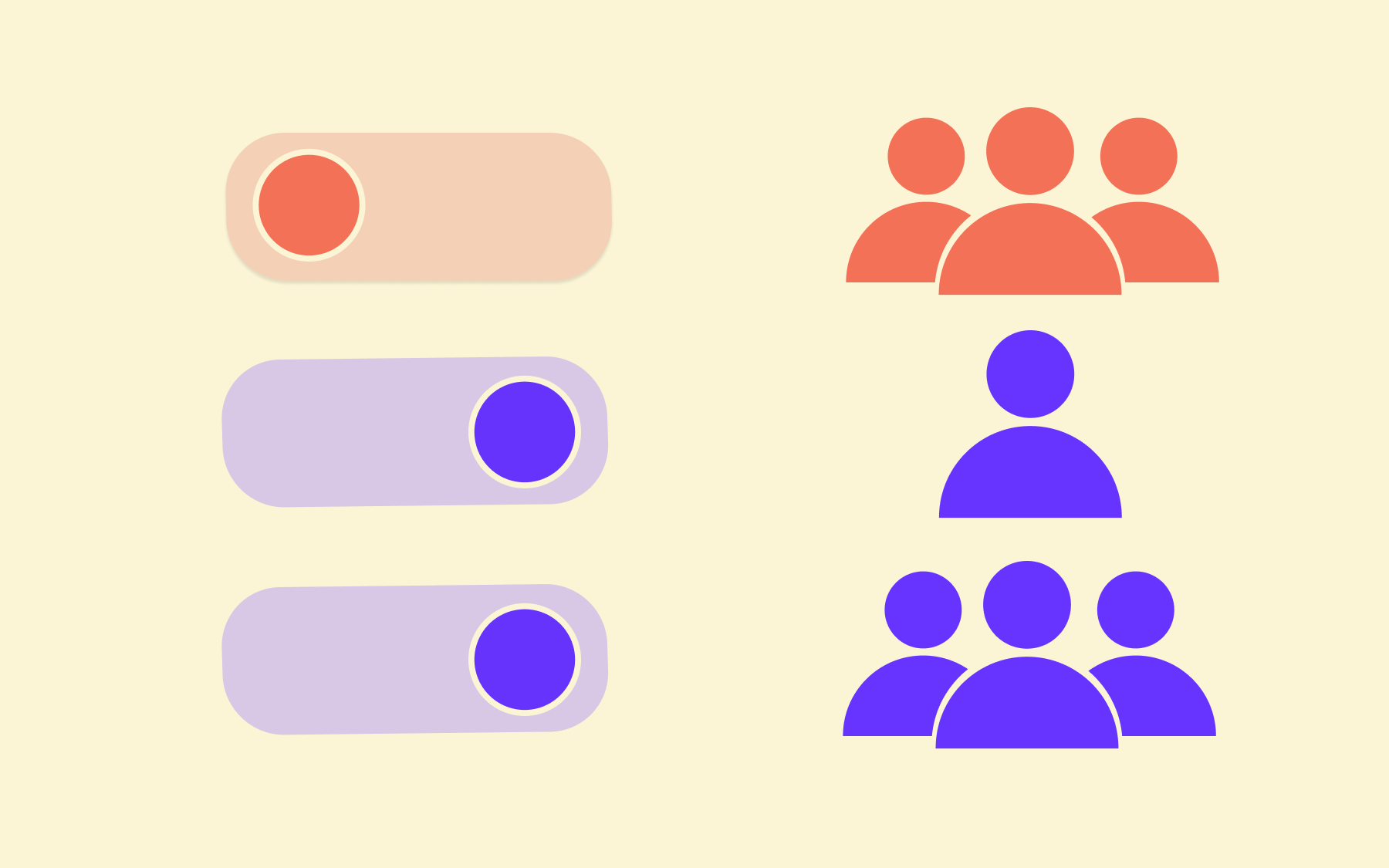
- Roll out features gradually to increasingly larger segments of your user base
- Turn off problematic features immediately without rolling back deployments
They decouple deployment from release, giving you fine-grained control over who sees what and when. Even if you keep your staging environment (and there are good reasons to do so!), production testing is still a good software development practice worth adding to your process.
What are the differences between testing in a production environment and traditional testing methods?
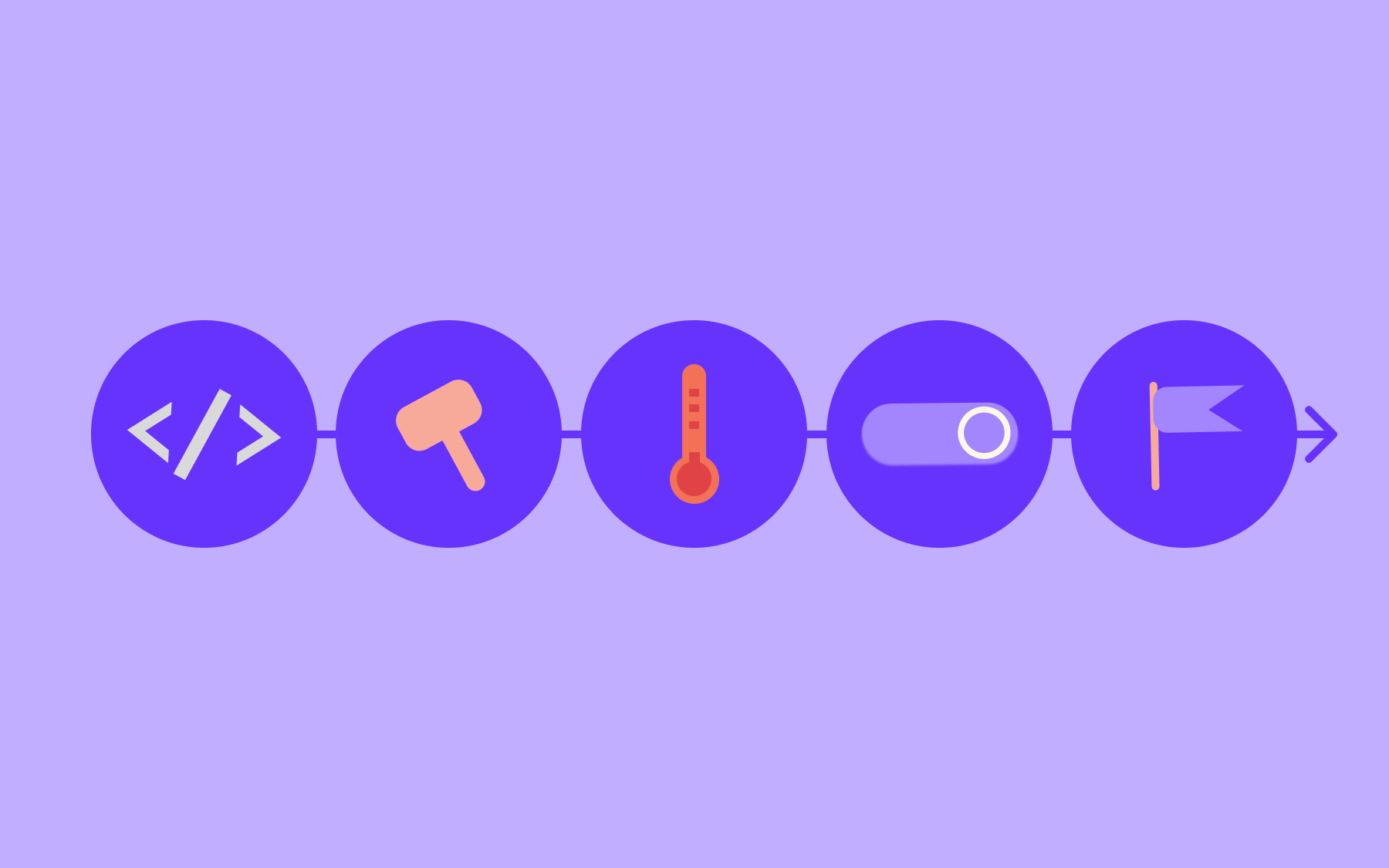
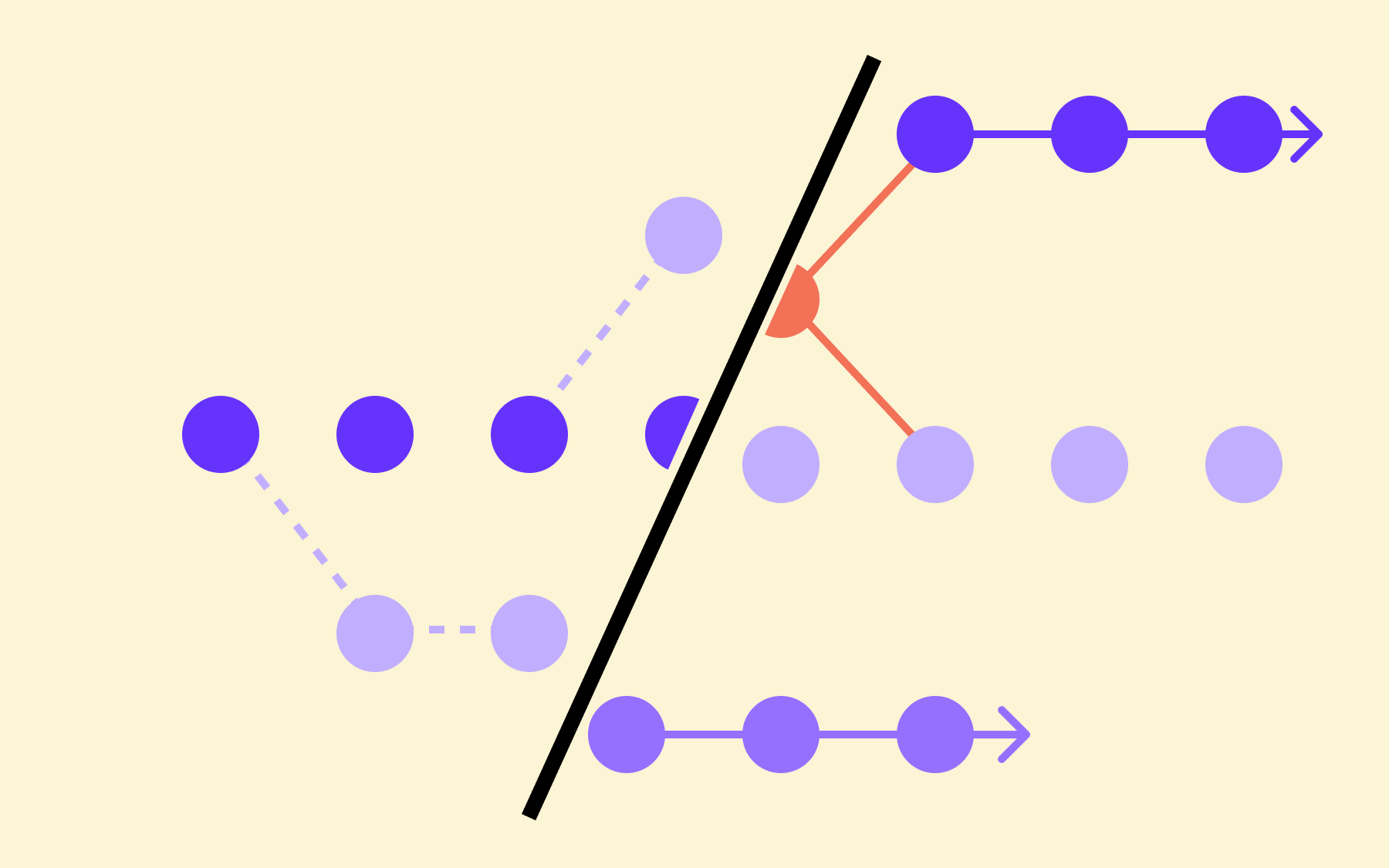
Previously, software testing followed a linear progression where you wrote the code, tested it, and deployed it in different environments.
But testing in a live environment doesn’t work this way. Here are the differences:
What are the benefits of testing in production with feature flags?
Instead of viewing production as the finish line where testing ends, think of it as a critical stage in your testing strategy. Here are a few reasons why:
You can test with real user conditions and data volumes
Production environments are messy. You’ll see a huge range of user behaviours, edge cases, and data patterns that the application handles. Even if you replicate it perfectly in a staging environment, it'll never fully represent this complexity—only testing in a production environment will.
That’s why you need to test in production. Your team can uncover edge cases and rare conditions that a staging environment will never surface. Similarly, the sheer data volume and velocity will bring up issues you hadn’t considered before. This approach lets you monitor application behaviour under real conditions while controlling the final user impact.
Your tests will be more accurate and reliable
No matter how much you try to mimic your production environment, there’s a good chance you’ll miss something. With TIP (short for testing in production, or production testing), you’ll run tests in real network conditions, with an actual system load, and with authentic production user behaviour patterns.
As issues appear, you know that these are real issues that would’ve affected your users. So, if you’re using a feature flag to control that test, say by only exposing a feature to a small subset of users via a phased rollout, you can contain the impact by just toggling it off. As a result, your team has more real-world data around testing and higher quality assurance as a result.
You’ll iterate faster and reduce your time to market
Typically, software engineers pass code through multiple environments before deploying it to users. This means you’re spending too much time in each release cycle. Testing code in production shortens that feedback loop significantly.
You can deploy new code into production but keep it invisible to your users while the testing phase is ongoing. Once you’ve validated the code, roll it out to a small segment of users, evaluate the behaviour, and then expand from there.

Instead of testing, fixing, testing, fixing, and then deploying, you’re doing it simultaneously. For teams operating at scale, faster time to market is a genuine competitive edge—one that compounds.
You can take advantage of trunk-based development
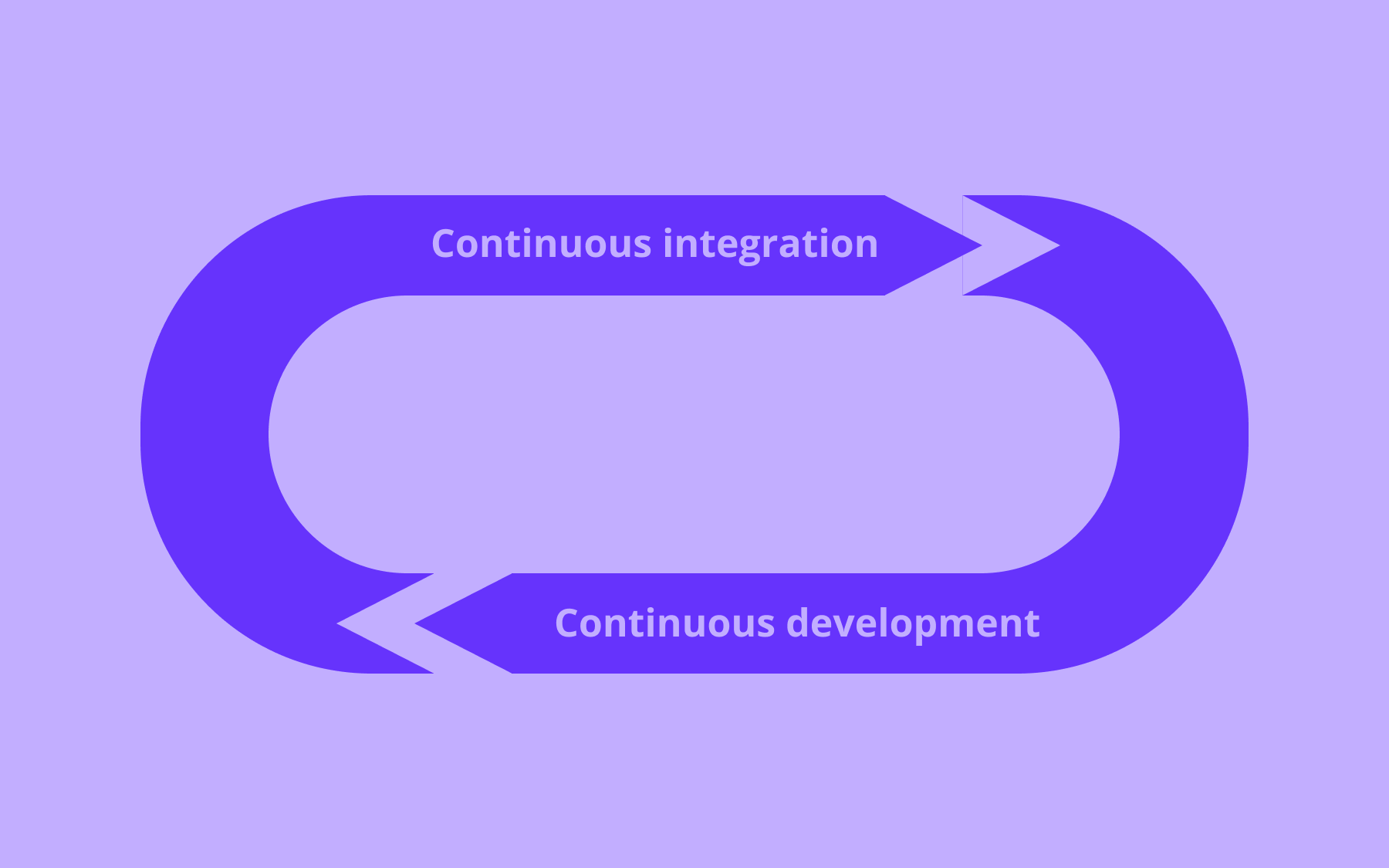
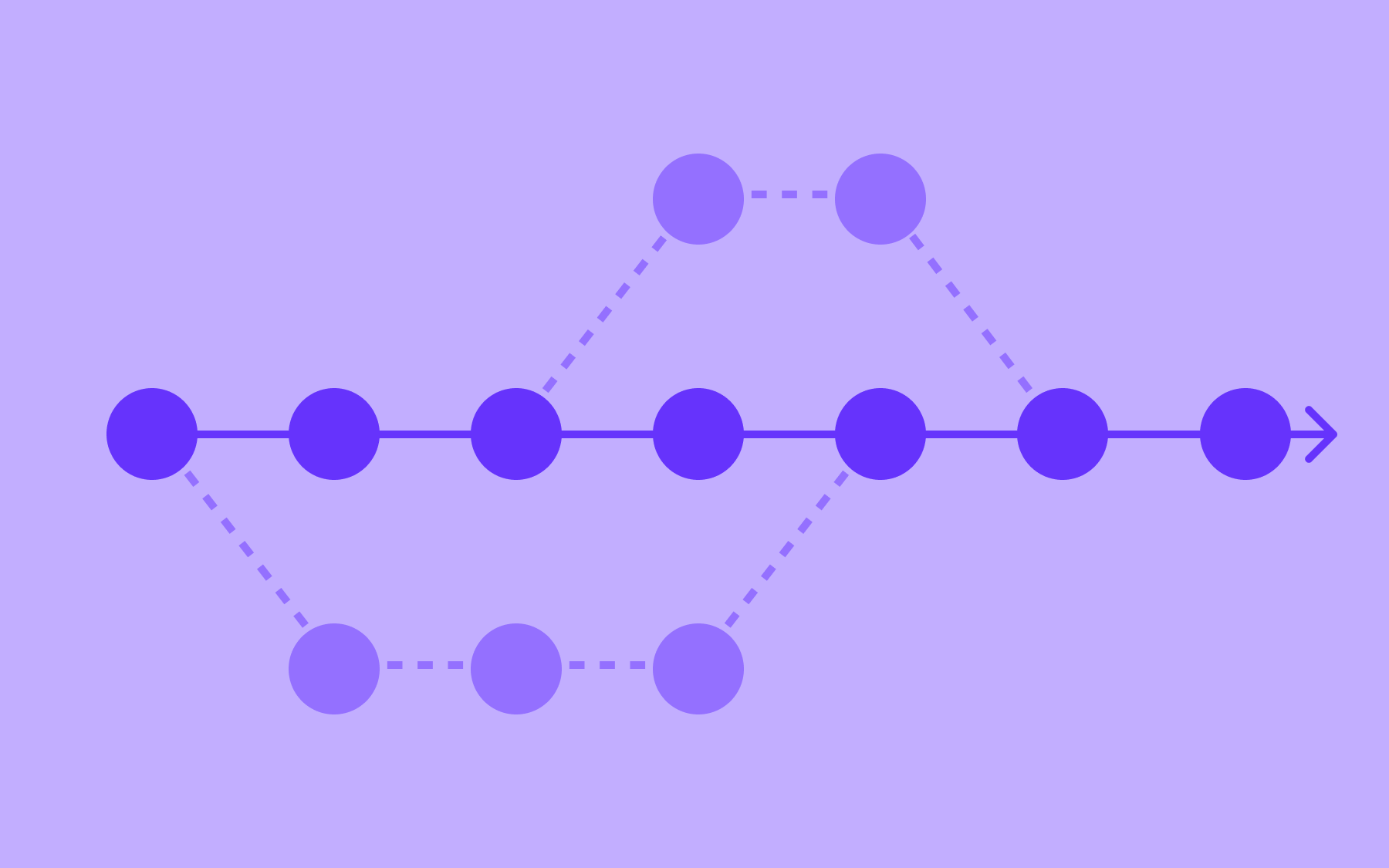
Software testing in production with feature flags naturally complements trunk-based development. You don’t have to create long-lived feature branches that result in complex merges. Instead, you can work on small, incremental changes that integrate into the main branch frequently, which fits neatly into continuous integration workflows.

Feature flag testing keeps incomplete work hidden from users while allowing it to be deployed to production and tested in the live environment. This approach reduces merge conflicts, encourages smaller code changes, and prevents the “integration hell” of long-running feature branches. Your teams can collaborate without stepping on each other’s work, while retaining full control over which features production users can access.
You can reduce mean time to recovery (MTTR)
Production incidents happen all the time. If you’re running tests in production with feature flags, you can identify incidents faster and nip them in the bud.
Feature flags give you an immediate rollback option should you need it. You don’t have to run a full rollback, which could involve multiple changes. All you have to do is turn off the problematic feature and reduce the incident’s MTTR.
You can also use a more sophisticated emergency response strategy. For instance, you might initially disable a problematic feature for all users, then gradually re-enable it for internal testing, then small user segments, and finally the entire user base once the issue is resolved.
How to catch issues when testing in production?
Proper production testing can prevent catastrophic failures. The 2024 Crowdstrike outage was just one example of that. A faulty update to its Falcon sensor caused a crash in Windows systems worldwide. This single deployment led to global IT outages affecting airlines, banks, healthcare systems, and critical infrastructure.
If the CrowdStrike team had gradually rolled out the feature using feature flags, they would’ve identified the problem before it affected their entire customer base. According to research, the average cost of a single hour of critical application downtime exceeds $300,000 for the vast majority (over 90%) of mid-size and enterprise-level companies—so the stakes of getting this wrong are very real.

The question is, how do you avoid a similar incident? Here are a few ways to do that:
1. Try to minimise negative impact on end users
Testing in production is often conflated with “We’re going to expose all our features without quality checks.” But that’s not true. You can use the following strategies to mitigate user impact:
Use progressive delivery with feature flags
Gradually roll out features to a small segment, test, validate, and then roll them out fully. There are several ways in which you can do that:
- Phased rollouts: Allow teams to expose new features to larger user segments gradually. You can limit the “blast radius” of any issue before it becomes a revenue-draining problem.
Canary deployments: Take a more targeted approach by directing a small percentage of traffic (often 1-5%) to the new version while routing the majority to the stable version. This creates an early warning system that quickly detects issues before they impact most of your user base.

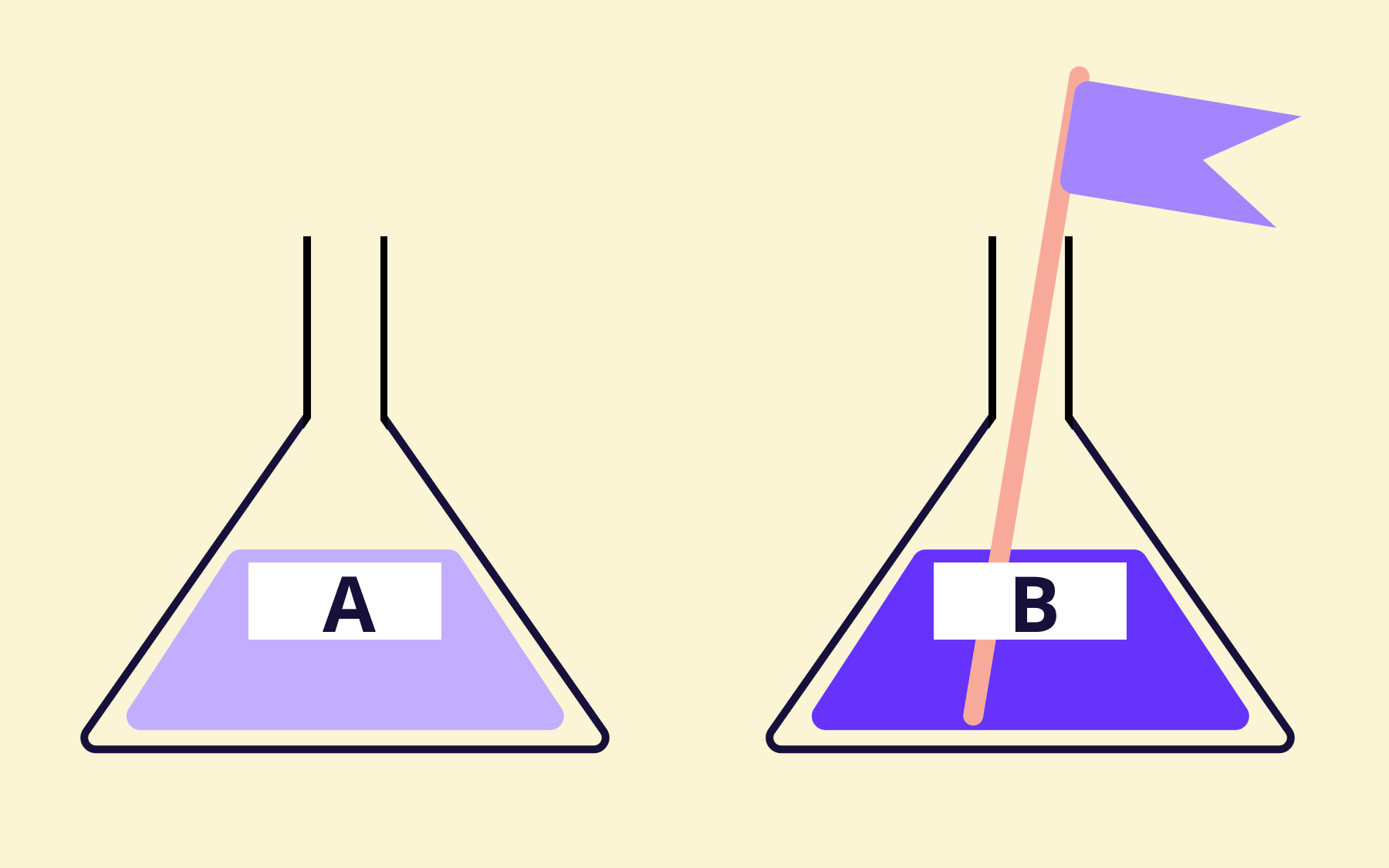
- A/B and multivariate testing: Goes beyond basic on/off toggles to compare multiple implementations of a feature with real users and collect user feedback on which performs better. You can pick the winning implementation that’ll remain in the live environment.
- Test in production with synthetic users: Create automated scripts that simulate actual user behaviour. You can still use feature flags to test the feature while removing the risk of rolling it out to paying customers.
- Shadow testing techniques: Also called “dark launching”, you can process production traffic through new code paths without returning results to users. The system compares the old and new implementation responses to identify any differences, which is sometimes called traffic mirroring.
2. Use monitoring and alerting mechanisms to detect issues in real-time
The ultimate goal of any kind of testing is to remove as much risk as possible. Even then, you can’t achieve 100% risk mitigation. That's why you need robust monitoring to detect issues as they happen. You can do this by:
- Tracking response time, error rates, and resource utilisation to spot performance degradation early.
- Measuring how users interact with your application through session recordings or accurate user monitoring (RUM).
- Using tracing mechanisms to follow requests across microservices to pinpoint root causes.
- Implement an observability platform like Grafana to identify unusual patterns that could lead to service disruptions.
If you have the right alerting thresholds and escalation paths, your team can jump in and turn off flags as needed, before a small issue becomes a major one.
3. Ensure data privacy and security during testing
Even when you’re testing in production, you can’t risk the confidentiality or security of your own or your customers’ data. The risk of accidentally exposing sensitive data is a genuine concern, particularly in regulated industries. Feature flags give you all the control you need, but could lead to many issues if you don’t have the right security measures.
This is why engineering teams use role-based access control (RBAC) to restrict who can create, modify, and toggle the flags. You can assign specific user roles and permissions for each role to ensure only the right stakeholders have access.
Other than that, maintain detailed logs of all your feature flag changes. If you’re troubleshooting a problem, you can see what changes were made and when, and work your way from there.
How to test code in production using feature flags
The first thing you need to do is set up a feature flag. Here’s how you can do that in Flagsmith.
Next, think about the lifecycle of the feature flag. Remove flags once testing is complete unless they serve as kill switches or long-lived flags. As a result, you’ll keep your codebase clean and avoid any technical debt that arises from these flags—including the risk of a rogue flag being turned on accidentally.
When you have a process down for testing, automate the flag controls. You can do that by:
- Generating feature flags when you create new branches
- Tying the flag state to specific deployments
- Triggering tests based on specific criteria and rolling them out to test users
- Automatically increasing feature exposure when your tests reach a performance threshold
Using this approach, you’ll turn a seemingly risky software development practice into a competitive advantage.
What are the best practices for testing in production environments?
Now that you know how to test in production, let’s look at how you can get the most out of it:
1. Establish clear testing objectives and success criteria
Define your testing objectives before you implement this process. Document what you’re testing and why. It’ll give you and your team some guidance on how to approach the testing process and what key metrics to measure. For example, performance testing focuses on response times, while feature validation focuses on user completion rates.
Also, make sure your success criteria (and failure conditions) are specific and measurable.
NOT: “This feature should help the user achieve XYZ goal”.
BUT: “API response times remain under 200ms at 95th percentile”.
It removes ambiguity when deciding whether or not it’s time to deploy the feature to the entire user base.
2. Implement version control and rollback mechanisms
Always version your feature flags and code to maintain alignment between flag configurations and the code they control. Treat the flag definition as code and store it in your version control system.
Use the toggles to roll back features automatically when needed—whether via automated rollbacks triggered by monitoring alerts, or a “break glass” procedure for emergencies. A solid break-glass process includes:
- Who has the authority to trigger emergency disablement (RBAC)
- How to disable the feature (including direct database access if necessary)
- Communication templates for notifying stakeholders
- Post-incident analysis procedures
Version control and the rollback mechanism make the root cause analysis faster, creating more structure for the next time something goes wrong.
3. Collaborate with cross-functional teams and stakeholders
Before and during the testing process, get alignment on who can access and make changes to the code and flags. Typically, the following teams are involved:
- Developers: Responsible for implementing feature flags
- Quality assurance: Responsible for validation testing
- Operations: Responsible for monitoring production metrics
- Product: Consulted on rollout decisions
Build operating procedures around this and implement access controls accordingly. Make sure you have regular touchpoints like daily standups or status checks during active testing periods. You then won’t have to worry about missing any observations or concerns and can adjust testing plans as needed.
Tools for testing in production
Testing in production doesn't happen in a vacuum. It requires the right combination of tools working together. Here's what a modern production testing stack typically looks like.
Feature flags
Feature flags are the foundation of safe production testing. Without them, you're choosing between deploying to everyone or deploying to no one. With them, you can control exposure with surgical precision, rolling out a new feature to a specific user segment, a percentage of production traffic, or a single internal user for initial validation.
Flagsmith is purpose-built for exactly this. It supports everything from simple boolean toggles to complex multivariate flags, with cloud, private cloud, and self-hosted deployment options for security-conscious organisations.
You can manage flags across environments, set percentage-based rollouts, and integrate with your existing monitoring stack—all without redeploying code. If you're serious about testing in production safely, feature management is the non-negotiable starting point.
Observability and monitoring
You can't test in a live environment without visibility into what's happening. Application performance monitoring gives you real-time data on error rates, latency, and system behaviour as users interact with new features. Pair these with distributed tracing to follow requests across microservices and pinpoint exactly where issues originate.
Flagsmith integrates with several observability platforms, enabling you to tie flag changes directly to performance metrics and get automated alerts when something shifts, so you can react before a problem affects your wider user base.
Test automation
Automated testing is an essential companion to production testing. Test automation systems—including unit tests, integration tests, and end-to-end test suites—give you confidence before code reaches production users, and can be wired into your CI/CD pipeline for continuous validation. According to recent industry data, test automation is scaling to a $59.91 billion market by 2029, reflecting just how central automated testing has become to modern software development.
The most mature teams layer automated testing with feature flags: automated tests validate new code in pre-production environments, then feature flags control the gradual exposure to real user traffic once code is deployed to production. The two approaches are complementary, not competing.
Traffic mirroring
Traffic mirroring, sometimes called shadow testing or dark launching, lets you route a copy of live user traffic to a new version of your code without those users ever seeing the results.
Your production systems continue serving the previous version, while the new code processes real-world data in parallel. Traffic mirroring is one of the most reliable ways to validate production user and live environment user behaviour under realistic traffic patterns and data volumes before you commit to a full rollout.
It's particularly effective for backend changes and infrastructure migrations, where the impact on actual user behaviour can be subtle and hard to reproduce in a test environment.
Visual testing
Visual testing validates the appearance and layout of your application's UI across browsers, devices, and screen sizes.
It catches regressions that functional tests miss, things like a button that's shifted two pixels to the left or a font that's rendered incorrectly in a specific browser version.
As part of a production testing strategy, visual testing can be run against canary deployments or small rollout segments to confirm that a new feature looks correct for real users before it reaches your full user base.
Deploy features with confidence by testing code in production
Ultimately, no staging environment can perfectly replicate production conditions, even if you sculpt it yourself.
If you want to mitigate these challenges, consider switching to testing in production—with feature flags. You’ll be able to decouple deployment from release and control the release of every feature without hesitation.
The future of software quality doesn’t lie in a simulated environment. It lies in controlled testing in an environment that truly matters—your production environment.

















OpenTelemetry, without the vendor lock-in: Introducing full observability for Open Source and Self-Hosted Flagsmith customers













































.png)
.png)

.png)

.png)


.png)









.webp)